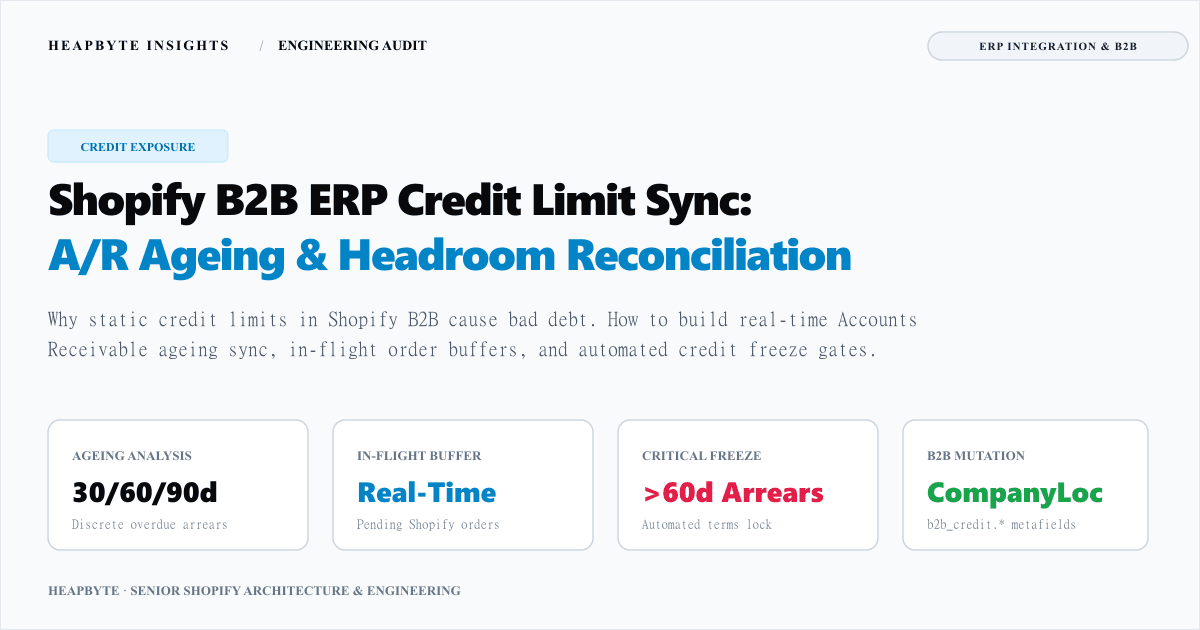
The static credit limit illusion: why naive ERP syncs cause bad debt
Most ERP-to-Shopify integrations treat credit limits as a static property of a debtor account. An integration queries Exact Online or SAP, reads Debtor.CreditLimit = 25000, and writes that number into a Shopify CompanyLocation metafield: custom.credit_limit = 25000.
This approach creates a dangerous operational illusion. A credit limit is not a balance; it is a ceiling. What dictates whether a buyer may purchase on Net terms is available credit headroom: AvailableHeadroom = CreditLimit - TotalCurrentExposure.
When an integration only syncs the ceiling, three critical systemic failures occur: invisible overdue arrears where accounts with delinquent invoices keep ordering, batch sync lag allowing credit races across branch locations, and unposted order blindness where in-flight Shopify orders are invisible to ERP ledgers for days.
In our ERP engineering for Weldaad Order Availability and multi-channel sync for Weldaad B2B/B2C Operations, we resolved these gaps by architecting an active credit exposure reconciliation layer between Exact Online and Shopify Plus.
The four pillars of true B2B credit exposure
Calculating truthful credit capacity requires reconciling four distinct financial components across both systems.
1. ERP Open Receivables (ARInvoices): All posted sales invoices in Exact Online where OutstandingBalance > 0, representing legally binding debt.
2. In-Flight Unposted Shopify Orders: Wholesale orders created in Shopify with financial_status: 'pending' not yet posted to the ERP ledger.
3. Unapplied Credit Memos: Open credit notes or customer returns in Exact Online acting as positive credit offsets, restoring headroom.
4. Approved Credit Ceiling: The formal credit facility authorized by the finance team in the ERP debtor master record.
Every calculation must execute in integer minor currency units (cents) to eliminate single-cent floating-point rounding discrepancies against the ERP general ledger.
Ageing bucket analysis and automated credit freeze gates
Numeric headroom alone is insufficient to manage wholesale credit risk. A customer with €20,000 of available headroom who refuses to pay a €1,500 invoice from four months ago represents an acute collection hazard.
Our synchronization engine groups open receivables into four standard financial aging buckets: Current (within grace period), 1 to 30 Days Overdue (soft warning), 31 to 60 Days Overdue (serious arrears), and Over 60 Days Overdue (critical default risk).
When an account enters critical arrears, the engine immediately sets custom.credit_hold = true on the Shopify CompanyLocation, instantly suppressing Net terms at checkout regardless of how much numeric credit headroom remains.
export type CreditStatus = "ACTIVE" | "WARNING_ARREARS" | "HOLD_EXCEEDED_LIMIT" | "HOLD_CRITICAL_ARREARS" | "HOLD_MANUAL";

export interface DebtorCreditProfile {
  debtorCode: string;
  companyLocationId: string;
  approvedCreditLimitCents: number;
  allowGracePeriodDays: number;
  isManualCreditFreeze: boolean;
}

export function reconcileERPCreditExposureAndHeadroom(
  profile: DebtorCreditProfile,
  invoices: Array<{ debtorCode: string; dueDate: string; outstandingBalanceCents: number }>,
  creditMemos: Array<{ debtorCode: string; unappliedAmountCents: number }>,
  unpostedOrders: Array<{ debtorCode: string; totalPriceCents: number }>,
  valuationDateStr: string
) {
  const debtorInvoices = invoices.filter((i) => i.debtorCode === profile.debtorCode);
  const debtorCreditMemos = creditMemos.filter((c) => c.debtorCode === profile.debtorCode);
  const debtorUnpostedOrders = unpostedOrders.filter((o) => o.debtorCode === profile.debtorCode);

  let openReceivablesTotalCents = 0;
  let overdueDaysMax = 0;
  let daysOver60Cents = 0;

  const valTime = new Date(valuationDateStr).getTime();

  for (const inv of debtorInvoices) {
    if (inv.outstandingBalanceCents <= 0) continue;
    openReceivablesTotalCents += inv.outstandingBalanceCents;

    const dueTime = new Date(inv.dueDate).getTime();
    const daysOverdue = Math.floor((valTime - dueTime) / (1000 * 60 * 60 * 24));

    if (daysOverdue > profile.allowGracePeriodDays) {
      if (daysOverdue > overdueDaysMax) overdueDaysMax = daysOverdue;
      if (daysOverdue > 60) daysOver60Cents += inv.outstandingBalanceCents;
    }
  }

  const unappliedCreditMemosTotalCents = debtorCreditMemos.reduce((acc, m) => acc + m.unappliedAmountCents, 0);
  const unpostedShopifyOrdersTotalCents = debtorUnpostedOrders.reduce((acc, o) => acc + o.totalPriceCents, 0);

  const totalNetExposureCents = openReceivablesTotalCents + unpostedShopifyOrdersTotalCents - unappliedCreditMemosTotalCents;
  const availableHeadroomCents = Math.max(0, profile.approvedCreditLimitCents - totalNetExposureCents);

  let creditStatus: CreditStatus = "ACTIVE";
  let isCreditHold = false;

  if (profile.isManualCreditFreeze) {
    creditStatus = "HOLD_MANUAL";
    isCreditHold = true;
  } else if (daysOver60Cents > 0) {
    creditStatus = "HOLD_CRITICAL_ARREARS";
    isCreditHold = true;
  } else if (totalNetExposureCents > profile.approvedCreditLimitCents) {
    creditStatus = "HOLD_EXCEEDED_LIMIT";
    isCreditHold = true;
  } else if (overdueDaysMax > 0) {
    creditStatus = "WARNING_ARREARS";
  }

  return {
    debtorCode: profile.debtorCode,
    companyLocationId: profile.companyLocationId,
    availableHeadroomCents,
    totalNetExposureCents,
    creditStatus,
    isCreditHold,
  };
}In-flight order buffering: eliminating concurrent checkout double-spend
The most common vector for wholesale credit breaches is the ERP posting window.
When a B2B customer places an order on Shopify, the order status is financial_status: 'pending'. The order is not yet an invoice in Exact Online: warehouse staff must pick the items, generate an outbound delivery (GoodsDelivery), and post the billing document (SalesInvoice).
Depending on warehouse operational volume, this posting cycle can take between 4 hours and 3 days. If your integration only queries Exact Online receivables, that in-flight €12,000 order is completely invisible to subsequent checkouts.
To eliminate this vulnerability, the sync engine implements two-tier transaction buffering: webhook ingestion on orders/create into an ephemeral unposted order buffer, headroom deduction during active checks, and buffer eviction once Exact Online posts the corresponding invoice.
Shopify B2B enforcement: CompanyLocation metafields and checkout gating
Once credit headroom and hold statuses are reconciled, the engine synchronises the results into Shopify Plus B2B entities using the GraphQL Admin API mutation metafieldsSet.
The payload sets six structured metafields on the CompanyLocation: b2b_credit.available_headroom_cents, total_net_exposure_cents, credit_hold, credit_status, overdue_invoices_count, and oldest_overdue_days.
In modern Shopify Plus, frontend JavaScript cannot be trusted to block checkout. The enforcement occurs within Shopify's WebAssembly checkout sandbox using a Payment Customization Function (purchase.payment-customization.run). The function inspects the authenticated buyer's CompanyLocation metafields, hiding Net 30/Net 60 if credit_hold is true or if the current order exceeds remaining headroom.
For deeper background on configuring Checkout Extensibility rules, consult our guide on Shopify payment customization B2B rules. If an edge case order slips through, an automated hold is applied via the Shopify Fulfillment Orders API.
When this needs an engineer
You do not need a custom ERP credit limit synchronization pipeline if your B2B customers pay upfront via credit card, if your credit limits are small and non-critical, or if your wholesale volume is low enough that finance manually reviews every purchase order prior to fulfillment.
You need an engineer when trade purchasing is automated: when wholesale buyers submit high-value orders across payment terms; when outstanding ERP accounts receivable balances must dictate real-time checkout eligibility; when unposted in-flight orders cause credit line double-spending; and when delinquent invoices past 60 days must automatically freeze ordering terms without manual intervention.
Explore our engineering services in Shopify ERP and CRM integration, inspect our ERP integration case study collection, review our patterns for releasing ERP backorders safely, or examine how operational order data was structured in the Weldaad Order Availability Dashboard case study.
Send us your ERP accounting schema, payment terms structure, and debtor volume. We will architect a clean, automated credit limit synchronization pipeline that protects your working capital while accelerating trade orders.