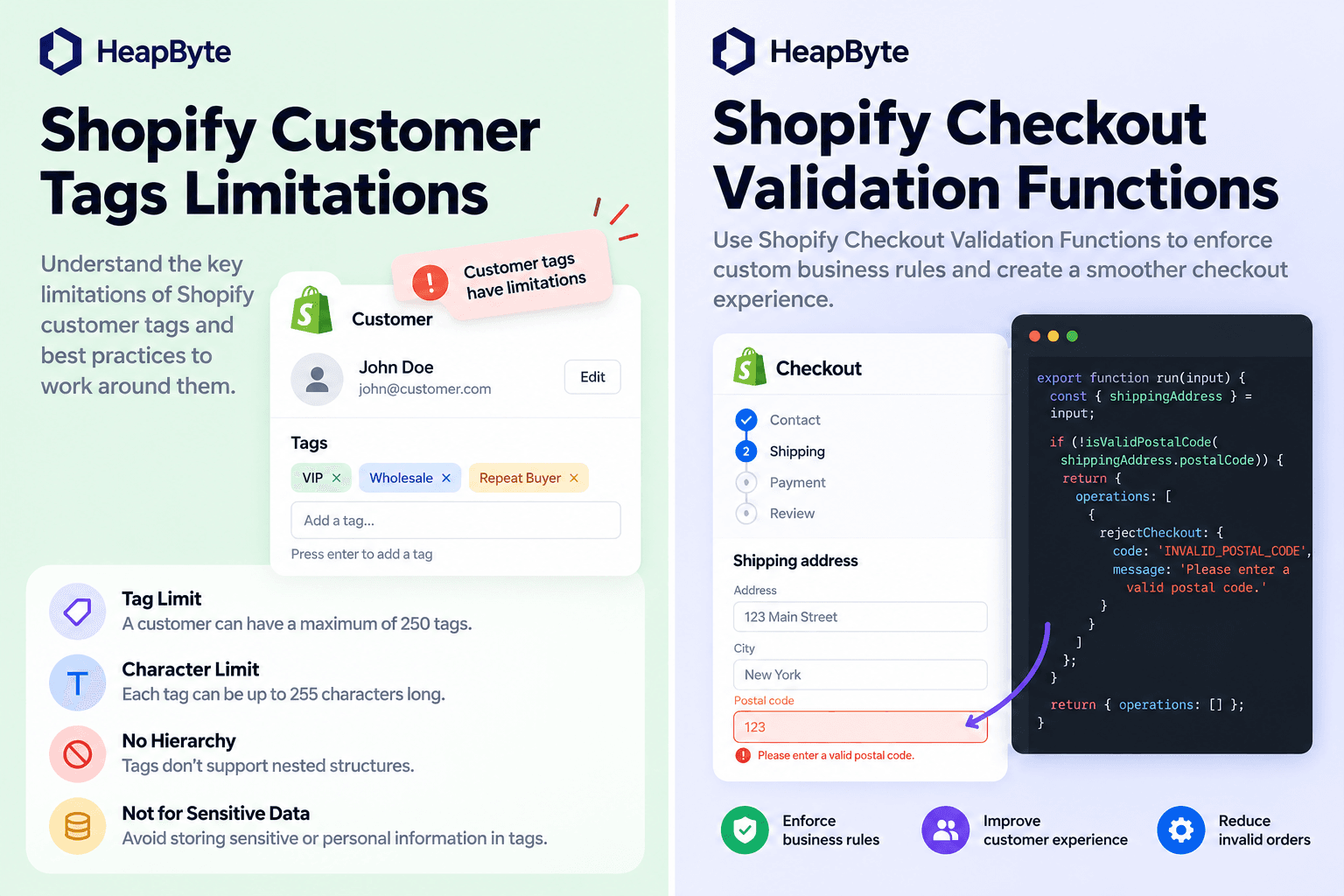
The rule that says no
A cart and checkout validation function is the right tool for this, and it is worth being clear about how much it does. It runs on Shopify’s servers, not in the browser, so a customer cannot skip it by editing a request. It is enforced across the cart, checkout, draft orders, B2B and accelerated checkouts. Its errors carry a message and a target, and they reach the Storefront API’s cart, themes that use the cart template, and every step of checkout. A store can run twenty-five of them.
It is also the half of checkout that decides. The UI extension surface displays decisions somebody else made; a validation function is where a rule gets to refuse an order outright, and that is a different kind of responsibility.
Errors block. Crashes don’t
Here is the part that most guides to validation functions leave out.
There are two ways a validation function can fail to approve an order. It can run, examine the cart, and return an error — a validation error, in Shopify’s terms. That always blocks. Or it can fail to finish: throw an exception, exhaust its instruction budget, trip over input it was not written for. That is a runtime error, and whether it blocks is a setting.
The setting is blockOnFailure, described as whether the validation should block “on failures other than expected violations”. In the admin it surfaces as Allow all customers to submit checkout. It defaults to false. A validation function that crashes, out of the box, lets checkout continue.
That is a defensible default for Shopify to pick. A broken app should not be able to take a merchant’s checkout offline, and most validations are conveniences — a minimum order, a postcode check. But it means the rules that matter most are the ones that degrade most quietly. A rule that returns an error is visible: customers see it, support hears about it. A rule that crashes is invisible, because the symptom of a crash is that checkout works.
The obvious fix is to turn blockOnFailure on. For a rule protecting something genuinely costly — a part shipped to the wrong vehicle, an order that cannot legally be fulfilled — that is correct, and it moves the risk rather than removing it: now a bug in the function blocks every checkout on the store. My position is that neither setting should be carrying the decision. Decide in code what a failure means, and return it as an ordinary error, so the checkbox only covers what you genuinely could not anticipate.
And it can say no in the wrong place
The opposite failure is a rule that blocks too early.
A validation function does not run once, at the end. It runs as the cart changes, and the input tells it where the customer is through buyerJourney.step: CART_INTERACTION, CHECKOUT_INTERACTION or CHECKOUT_COMPLETION. A function that ignores the step enforces the same way everywhere — including on the edit the customer is making to fix the problem.
Developers have reported exactly that in Shopify’s community: a cart that became invalid after the fact, through a rule enabled later or a setting that changed, refusing the very modification that would have made it valid again. The customer cannot remove the offending line, because removing it is a cart change and the cart is invalid. The thread has no resolution from Shopify, and it does not need one, because the function can read the step and choose.
// Input query, per line: quantity and attribute(key: "_fitment") { value }.
// Merchant settings: validation { metafield(...) { jsonValue } }.

const result = (errors) => ({ operations: [{ validationAdd: { errors } }] });
const error = (message) => ({ message, target: "$.cart" });

function readLimit(input) {
  const max = input?.validation?.metafield?.jsonValue?.maxPerLine;
  return Number.isInteger(max) && max >= 1 ? max : null;
}

export function cartValidationsGenerateRun(input) {
  // Never block at the cart: an error there stops the customer removing the
  // very line that is wrong. Every other step is enforced, including one we
  // have never seen.
  if (input?.buyerJourney?.step === "CART_INTERACTION") {
    return result([]);
  }

  const max = readLimit(input);
  if (max === null) {
    // Throwing here is a runtime error, and with blockOnFailure at its
    // default of false a runtime error lets checkout continue. Refuse instead.
    return result([error("This order can't be completed right now. Please contact us.")]);
  }

  const errors = [];
  for (const line of input?.cart?.lines ?? []) {
    const fitment = line.attribute?.value;
    if (typeof fitment !== "string" || fitment.trim() === "") {
      errors.push(error("An item is missing its vehicle fitment. Return to the cart to add it."));
    }
    if (line.quantity > max) {
      errors.push(error(`Configured items are limited to ${max} per order line.`));
    }
  }
  return result(errors);
}Enforce late, refuse on doubt
The choice in the code is deliberate in both directions. At the cart, nothing blocks — the cart template can still show guidance, but the customer stays free to change things. At every other step, including one the function has never seen, the rule is enforced. An unfamiliar surface is not a reason to let an order through.
On the store this pattern came out of — a Shopify Plus build where checkout calculations and business rules had to run inside the purchase experience — the case study’s own lesson was that business-critical calculations need stronger validation than ordinary UI features. This is what that means in practice: not more rules, but rules that know what happens when they cannot run.
Where the rule does not reach
Being precise about the limits, because a validation function is easy to mistake for an order invariant.
It is not one. It runs where Shopify runs it, and the documented list of places it does not run is not short: the Create Order API, order editing, POS, subscriptions, and pre-order or try-before-you-buy purchases. An order created through the API, or edited after the fact, never meets the rule. If the rule has to hold for every order regardless of how it was made, it belongs somewhere that sees every order — an order webhook, or the system downstream that fulfils it — and the validation function is the early, customer-facing copy.
It can only judge what is in the cart. Functions are deterministic, have no clock, and run in an eleven-million-instruction budget, and network access is limited to custom apps on Enterprise stores. Anything the rule needs has to arrive as cart data: a line attribute, a product metafield, a setting. That is the same discipline as the display side, from the other end.
And a custom app containing Functions requires Plus. A public app with Functions works on any plan, which is why most stores meet validation through an app rather than their own code.
When this needs an engineer
Often it does not. If the rule is a minimum order value, a maximum quantity or a blocked postcode, there is very likely an app that does it, and the app’s maintainers have already met the failure cases. Install it, test it with the fields left blank, and check what its settings do when they are empty.
It needs engineering when the rule depends on data only your store has — a fitment, a configuration, a structure that came out of something upstream — and when the cost of a wrong order is high enough that “what happens when this crashes” deserves an answer before launch. That work sits with our other custom Shopify applications, and on a Plus store it is part of what Shopify Plus engineering means: the rule, where it runs, and what it does when it cannot.
Send us the store and the symptom.
---